
- Retail Insurance
- Business Insurance
- Resources
- Claims
Resolving an Aadhaar–PAN name mismatch involves ensuring that the name in both government databases matches exactly as entered. Even minor variations—such as initials, spacing, or middle names—can cause linking to fail. The first step is to check whether the error exists in Aadhaar, PAN, or both.
If Aadhaar has incorrect or incomplete details, the update can be done online or by visiting an Aadhaar Seva Kendra. If the mismatch is in PAN, the Income Tax portal offers a convenient Aadhaar OTP based correction facility where the name on PAN can be updated to match the Aadhaar record without physical documents. After submitting the request and ensuring that the details in both databases are identical, the user can link Aadhaar and PAN again through the e-filing portal to complete the verification successfully.
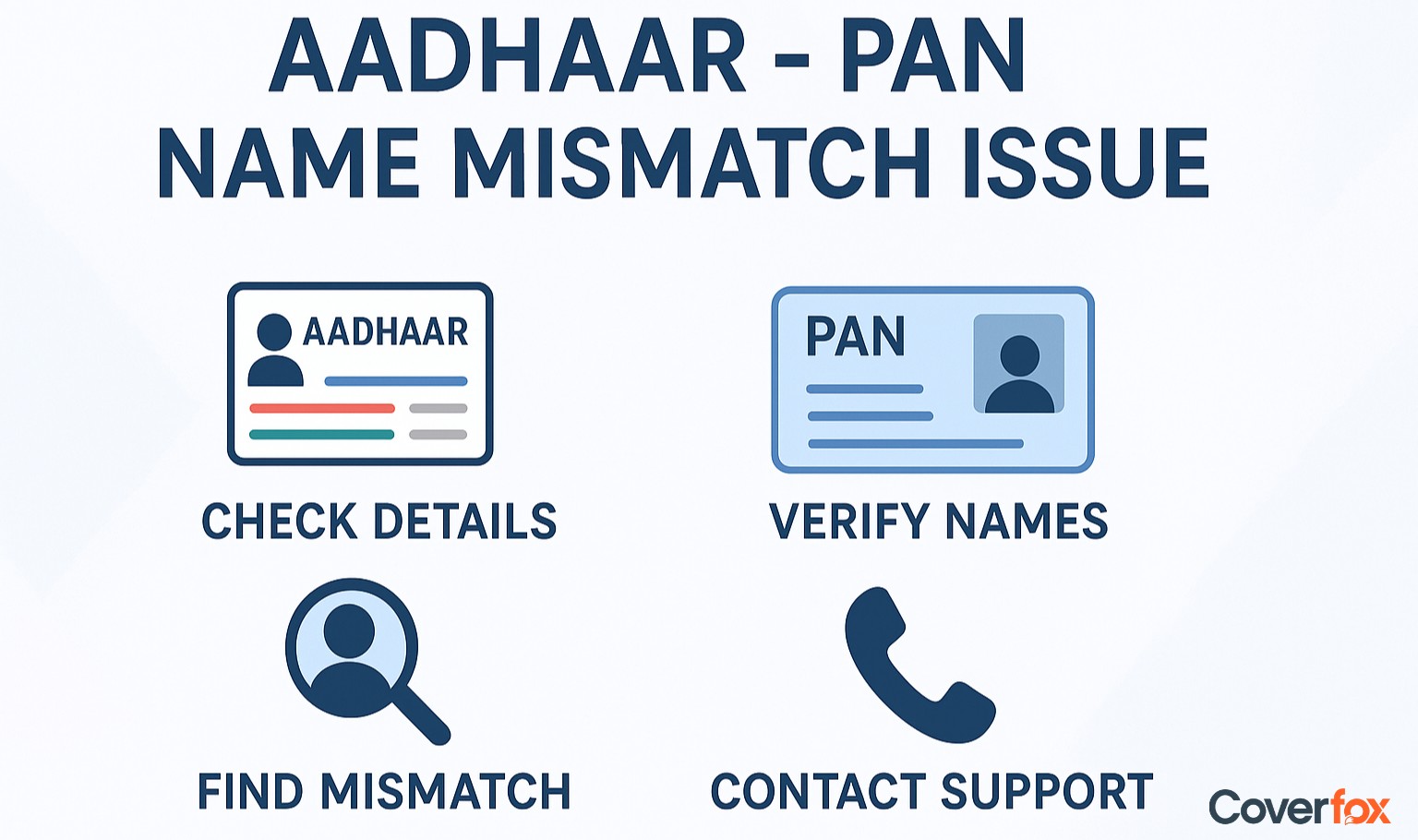
Linking your Aadhaar with your PAN has become an essential part of modern financial and tax management in India. It ensures smooth income tax filing, prevents duplication of identity records, and keeps all your financial information consistent across government systems.
However, many people face issues during the linking process simply because their names do not match exactly on both documents. Even small differences, such as spelling variations, missing initials or extra middle names, can cause the request to fail. This guide explains, clearly and straightforwardly, how you can resolve the Aadhaar-PAN name mismatch online using the Aadhaar OTP method.
The Aadhaar-PAN name mismatch occurs when the name in the Aadhaar database does not exactly match the name on the PAN card, resulting in the linking process failing. Even small differences, such as spelling variations, missing or added initials, shortened names, middle names written differently, or name changes after marriage, can lead to errors.
For instance, Aadhaar may show Riya Sharma while PAN shows Riya S Sharma, and the system will still treat this as a mismatch. Since Aadhaar PAN linking is mandatory under Section 139AA of the Income Tax Act, resolving these inconsistencies is essential to complete the linking successfully.
Minor differences in spelling, initials, name order, or titles in Aadhaar and PAN records can cause linking or verification to fail. The Aadhaar OTP online method offers a quick way to update PAN details so they match the name stored in the UIDAI database.
Open the Income Tax e-filing portal and sign in with your user ID and password or continue as a guest if available. This is the page where you will initiate the PAN linking or update request.
Look for the option labelled Link Aadhaar or similar. Click it to open the linking form. If you do not see the option immediately, check the quick links or search box on the portal.
Type your 10-character PAN and your 12-digit Aadhaar number carefully. Make sure there are no extra spaces. The portal will show the name fetched from the PAN database and the one from Aadhaar for comparison.
If the Aadhaar name is correct and you want PAN to match Aadhaar, select the checkbox that confirms you want to update PAN details as per Aadhaar data. Tick the consent box that allows sending an OTP to your Aadhaar-linked mobile number.
Click the button to request an Aadhaar OTP. The UIDAI system will send a six-digit OTP to the mobile number registered with UIDAI first.
Type the six-digit OTP you received into the portal. Double-check the digits before submitting. Once you submit, the portal will validate the OTP with UIDAI and proceed to update PAN details to match Aadhaar.
After successful verification, you will see a confirmation screen or an acknowledgement number. Save or screenshot this acknowledgement for your records. The PAN database should now reflect the Aadhaar name as verified.
If the mobile number linked to your Aadhaar is not accessible, you will not be able to receive the OTP. In that case, update your mobile number with UIDAI either through the UIDAI website or by visiting an Aadhaar enrolment centre. If names differ because of a legal name change or a spelling that you want to keep on PAN instead, follow the PAN correction procedure on the NSDL or UTIITSL site, which may require supporting documents.
You can update personal details such as name, date of birth, address, mobile number, and more using UIDAI’s online services or by visiting an Aadhaar Seva Kendra. Steps to Change Aadhaar Details through UIDAI:
Linking Aadhaar with PAN became mandatory from July 1, 2017, under Section 139AA of the Income Tax Act, 1961 (Source - Income Tax India). It ensures smooth verification of your identity, keeps your PAN active, and allows you to complete essential financial and tax-related processes without interruption.
Source: https://services.india.gov.in/service/detail/link-aadhaar-card-with-pan-card
Source: Income Tax India
Aadhaar and PAN records may differ because the information in each database may have been entered at different times, using different formats or personal details. Even small variations in spelling or naming style can cause the system to reject verification or linking.
Read More About Aadhaar Card Information:
You can update your PAN name through the NSDL or UTIITSL portal, and your Aadhaar name through the UIDAI website or an Aadhaar Seva Kendra. Submit valid ID proof and complete the verification steps.
No. For smooth verification, the name on your PAN and Aadhaar should match exactly. Even small differences like a single letter, an extra initial or a change in name order can cause the linking to fail. It is best to ensure both documents display the same name before you try to link them.
Yes, if the mismatch is minor. The Aadhaar OTP method works when your basic details mostly match.
It usually takes 5 to 15 working days after document verification is completed.
Yes. Major mismatches can cause delays because verification and linking may fail.
Yes. Aadhaar name updates at centres have a small fee, and online updates may also carry a charge depending on current UIDAI rules.
Your PAN may become inoperative, and a penalty of up to ₹1,000 can be applied for reactivation.
No. Major changes require full document proof and cannot be done through the OTP method.
Raise a request on the Income Tax e-filing portal under the PAN–Aadhaar linking grievance section or contact the PAN service provider to correct the linkage.


