
- Retail Insurance
- Business Insurance
- Resources
- Claims
In today’s times, the Aadhaar card has become one of the most crucial documents for every individual in India, and it makes it essential to check Aadhaar validity online. Issued free of cost by the Unique Identification Authority of India (UIDAI), the Aadhaar number is a 12 digit unique identification number that includes both demographic and biometric information of the cardholder. Beyond serving as a proof of identity, address, and age, a valid Aadhaar card also provides access to numerous benefits when linked with bank accounts and other financial services, highlighting the importance of ensuring the validity of your Aadhaar card.
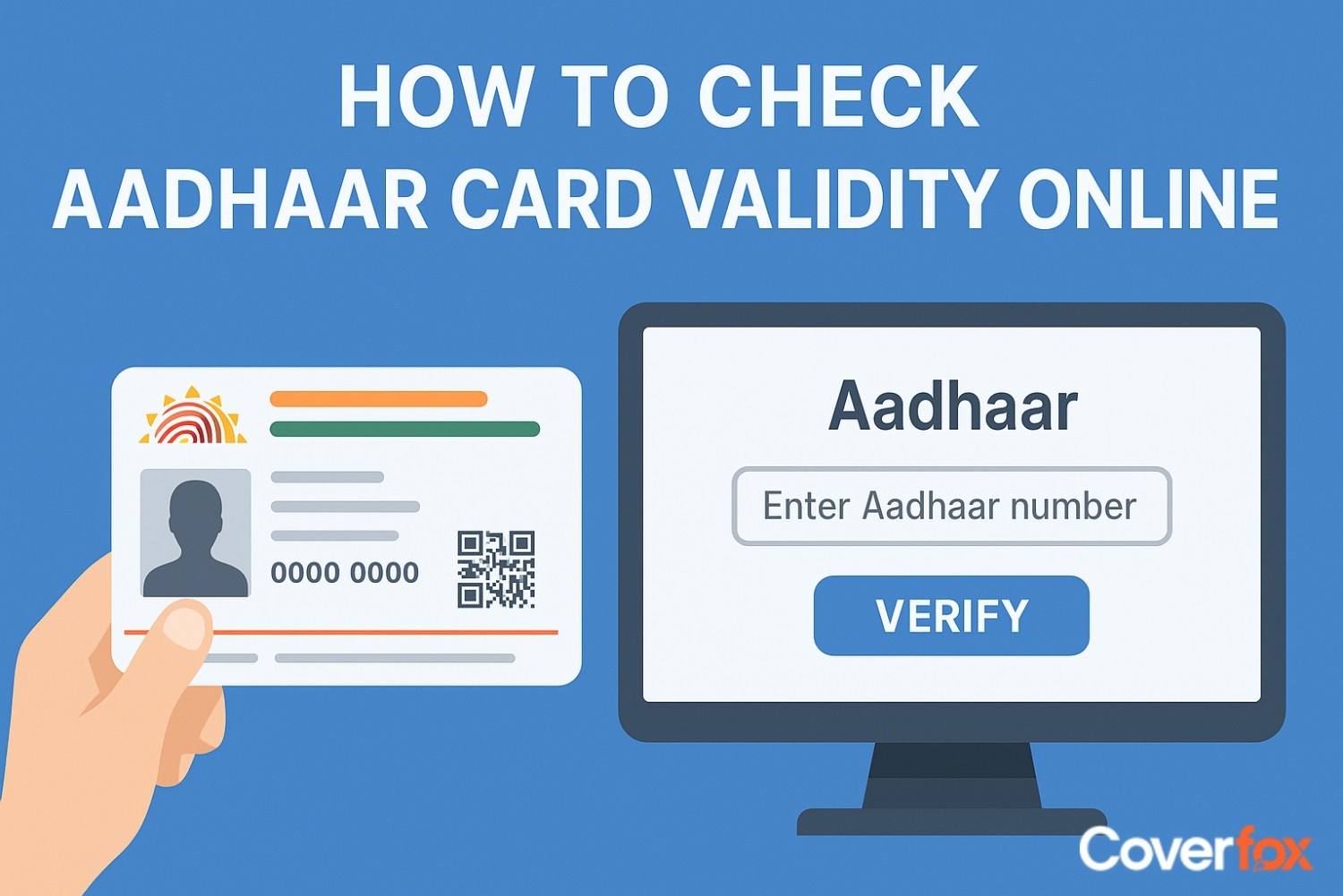
The Aadhaar card is valid for your lifetime. The card is issued once, and thereafter, it continues to be applicable throughout an adult’s lifetime. However, in the case of minor children, there is a validity period. Children below 5 years of age are issued a blue Aadhaar card, which is valid till the child attains 5 years of age, after which the card must be biometrically updated. A second mandatory biometric update is required when the child turns 15 years old to ensure accuracy of their details. UIDAI may deactivate Aadhaar numbers in cases such as missed biometric updates for children or discrepancies during verification. If you are unsure about your number’s status, it is advisable to check its validity online.
Ensuring Aadhaar card validity is crucial not just for identity verification but also for accessing financial services, government schemes, and preventing fraud. Here’s why Aadhaar verification is important:
Verifying your Aadhaar ensures that the card is officially issued and remains valid. You can check your Aadhaar number online to confirm its authenticity.
The UIDAI website allows individuals to update demographic and biometric details, such as name, date of birth, gender, fingerprints, photograph, and iris scan, ensuring accurate records.
A valid Aadhaar card is often required to avail benefits from government welfare programs and subsidies, making verification essential for smooth access.
A valid Aadhaar number helps in easy verification for bank accounts, insurance, mobile connections, and other financial services, reducing paperwork and delays.
Checking Aadhaar validity online helps detect duplicate or fake cards, protecting individuals from identity theft and ensuring secure verification.
The UIDAI has an easy process which helps you check your Aadhaar card validity. The following are the steps to check the validity of your Aadhar card -
If your Aadhaar number is valid, a confirmation message will appear showing the status of the Aadhaar number. In case the Aadhaar number is deactivated or invalid, a message will indicate that the number does not exist. Performing this Aadhaar card validity check ensures your number is active and recognised for all official and financial purposes.
Verifying your Aadhaar card’s authenticity is not limited to the official website. You can also check the validity of an Aadhaar Card using mobile apps or SMS for quick and convenient access.
Download a government-approved UIDAI mobile app like Umang and enter your Aadhaar number. The app will provide instant Aadhaar validation, showing whether your Aadhaar number is active and valid.
Send your Aadhaar number to the designated UIDAI SMS service number 1947. You will receive a message confirming your Aadhaar’s validity online, allowing you to verify without using the internet.
While checking your Aadhaar card’s authenticity online is usually straightforward, some users encounter common problems. Knowing these can help you resolve them quickly.
Entering the wrong Aadhaar number can prevent the Aadhaar card validation process. Always double-check your digits before submission.
Sometimes the UIDAI website or app may be down due to high traffic. This can temporarily block the Check Aadhaar Validity Online process.
If your registered mobile number or email is not updated, OTP verification may fail, making it difficult to complete Aadhaar verification.
Certain older browsers may not support UIDAI’s online services, affecting your Aadhaar validity check. Using the latest browser version usually solves this.
You can easily determine whether your Aadhaar card is active or deactivated by using the official UIDAI website. Follow these steps for a quick Aadhaar verification:
If your Aadhaar card is found invalid during the Aadhaar validity check, it means your card is either not activated or has some discrepancies in the UIDAI records. You can follow these steps to reactivate or update your Aadhaar:
Locate the nearest Aadhaar enrolment or update centre or an Aadhaar Seva Kendra to resolve any issues related to your Aadhaar.
Bring valid identity and address proofs, such as PAN, passport, or voter ID, for verification.
Submit a request to update or correct any information that may be causing the invalid status. This ensures your Aadhaar remains accurate and active.
Once the details are verified, UIDAI will activate your Aadhaar. You can then perform another Aadhaar validity check online to confirm.
After reactivation, you should receive confirmation via SMS or email, confirming the validity of your Aadhaar Card.
Here are the benefits which Aadhaar card verification provides
Maintaining your Aadhaar card’s validity ensures uninterrupted access to government services and benefits. Regularly updating your details and checking your card status helps prevent deactivation and ensures smooth Aadhaar verification whenever required.
Ensure your address, mobile number, and other personal information are current in UIDAI records. This helps maintain the validity of an Aadhaar Card.
Use the UIDAI website or mobile app to perform regular Aadhaar validity checks and confirm that your Aadhaar number remains active.
If you notice any errors or changes in your Aadhaar data, update them promptly to avoid invalidation during Aadhaar card validation.
Connect your Aadhaar with bank accounts, mobile numbers, and government schemes to reinforce its active status and ensure it stays relevant for all services.
e-Aadhaar is a digitally signed PDF version of Aadhaar, equally valid as the physical card under the Aadhaar Act. An E-Aadhar card is the digital version of your normal Aadhaar card. You can use it immediately as the normal Aadhaar card takes some time to reach you after enrolment. It can be downloaded online by submitting the enrolment number of normal Aadhaar card. You can check the status of e-Aadhar card on the official website of UIDAI and also update it. E-Aadhar card is a 12 digit number given by UIDAI. E- Aadhar card is a pdf file. It is safe by a password. It can be opened only when the password is typed. It is a safe method for viewing your Aadhaar card. It also contains the biographic and demographic details, just like the physical Aadhaar card.
The E-Aadhar card is nothing but the normal Aadhaar card in electronic form. The validity of an Aadhaar Card is, therefore, the same as that of the physical Aadhaar, meaning it remains active for a lifetime. This makes the e-Aadhaar a valid Aadhaar number that can be used for all official purposes, including digital transactions, identity verification, and government services. You can also perform Aadhaar verification online to ensure your e-Aadhaar is up to date and fully active.
Virtual ID (VID) is a temporary 16-digit number linked to your Aadhaar card number. This number can be obtained from the UIDAI website or Aadhaar enrolment centres, provided your mobile number is registered. The Virtual Aadhaar number is generated with reference to your unique Aadhaar card number and can be used in place of the original Aadhaar for online transactions, helping prevent misuse. It also allows easy Aadhaar verification without sharing your actual Aadhaar number, ensuring both security and convenience.
A VID remains valid until the Aadhaar holder chooses to generate a new one. It does not expire automatically, and the previously issued VID becomes invalid the moment a fresh VID is created.
The Aadhaar card is an important document that establishes your identity and is useful in many cases. It remains a valid Aadhaar number for your lifetime. Therefore, it is recommended to apply for an Aadhaar card and regularly perform Aadhaar verification to enjoy its benefits throughout your life.
Visit the UIDAI portal → Verify Aadhaar Number, enter your Aadhaar, complete the captcha, and check the displayed status.
Visit the UIDAI portal or use the mobile app, enter your Aadhaar number, and submit the security code to see if your Aadhaar is active.
Download the official UIDAI mAadhaar app, log in, and select the option to verify your Aadhaar. Enter your Aadhaar number, and the app will confirm its status.
For online verification, an OTP sent to your registered mobile number may be required to confirm your identity.
Aadhaar cards do not expire. Once issued, they remain valid for the lifetime of the individual.
If your Aadhaar shows as invalid, you may need to update your details at a UIDAI centre and re-verify the card.
It is advisable to check your Aadhaar status occasionally, especially before applying for government services or digital verification.
After updating your details at a UIDAI centre, it typically takes 24–72 hours for the changes to reflect and the Aadhaar to become valid online.


