
- Retail Insurance
- Business Insurance
- Resources
- Claims
Since its establishment, having an Aadhar card has become an integral part of every Indian's life. This 12-digit Aadhaar number assigned by the UIDAI (Unique Identification Authority of India) is essential as it serves as an identity & address proof. Apart from this, a person can avail all the benefits and subsidies mentioned in the Aadhaar Act, 2016.
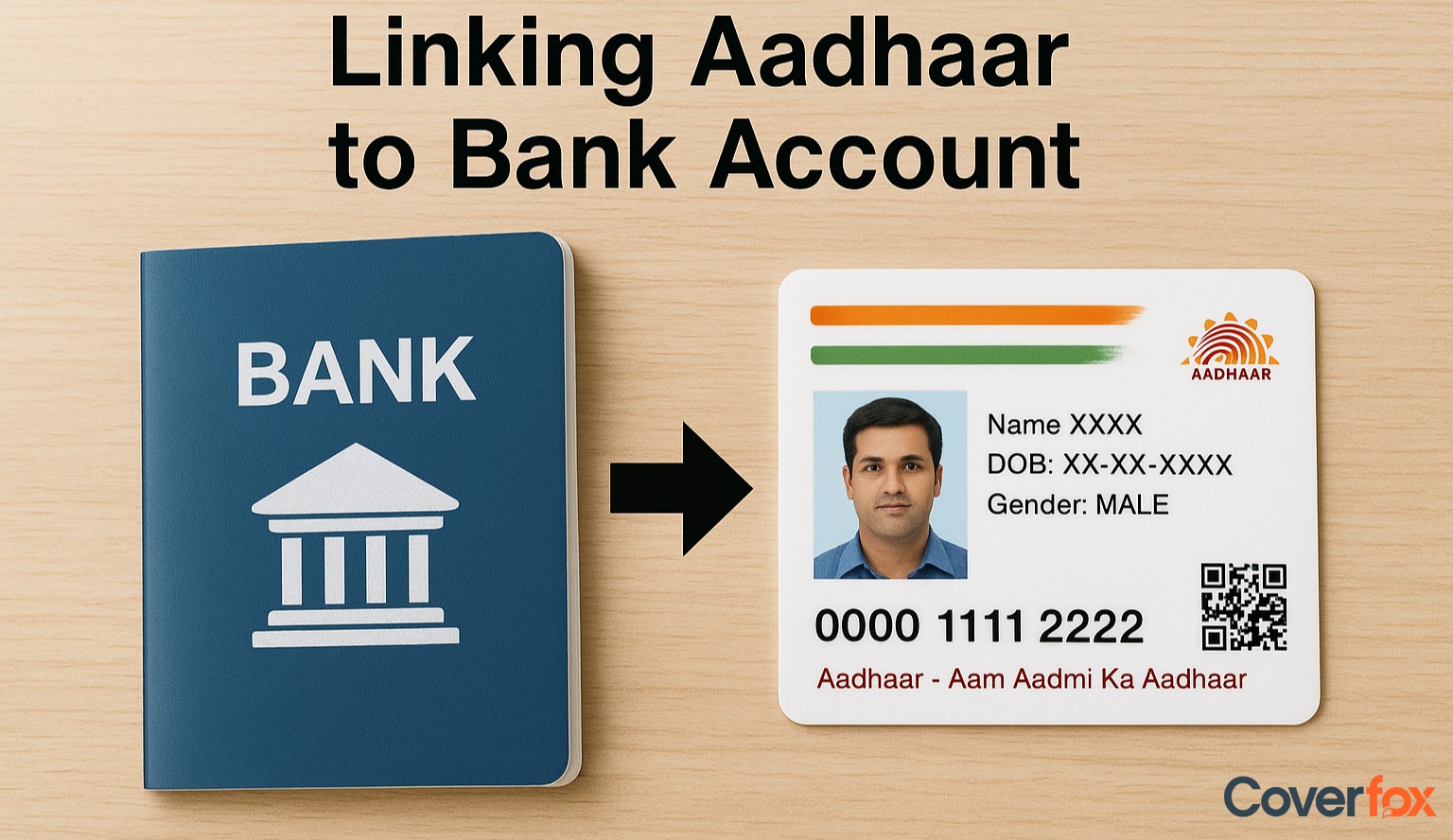
Before accessing these subsidies, an individual must link their Aadhaar card to a bank account. Banks have also issued notices to all their existing customers, requiring them to link their Aadhaar with their accounts to avail of government subsidies and benefits.
People often get confused about the process of linking an Aadhaar card with a bank account. The process is actually quite easy and can be completed quickly. The process of linking your account with Aadhaar can be done both online and offline.
Linking your bank account with your Aadhaar at a branch is a straightforward offline method, especially useful if you prefer in-person verification. Here’s how you can do it:
Go to the branch where you hold your account. Carry your original Aadhaar card and a self-attested photocopy.
Ask the bank executive for the “Aadhaar Linking” or “Aadhaar Seeding” form.
Enter your name, bank account number, Aadhaar number, mobile number, and any other details asked in the form.
Hand over the filled form along with a photocopy of your Aadhaar card. The bank may ask to see the original for verification.
Some banks may take your fingerprint for Aadhaar verification as an additional security step.
Once submitted, you may receive an acknowledgement slip for future reference.
After successful verification, the bank will link your Aadhaar to your account. You will usually receive an SMS confirming the update.
Online Aadhaar–bank linking can be done through internet banking, a mobile banking app, or SMS, depending on what your bank supports.
Log in to your bank’s net banking portal using your customer ID and password.
Go to the ‘Aadhaar Seeding / Update Aadhaar’ option (usually found under ‘My Account’, ‘Services’, or ‘Profile’).
Enter your 12-digit Aadhaar number carefully and submit the request.
If your bank requires confirmation, an OTP may be sent to your registered mobile number.
After successful verification, you will receive a confirmation message stating that your Aadhaar has been linked to your bank account.
Download and open your bank’s official mobile banking app.
Log in using your credentials.
Find the ‘Update Aadhaar’, ‘Aadhaar Seeding’, or ‘Service Requests’ section.
Enter your Aadhaar number and submit.
Your bank may ask for an OTP to confirm the request.
Once verified, you will receive an SMS or in-app message confirming successful Aadhaar linking.
(Only available if your bank supports this feature.)
Send an SMS from your registered mobile number in this format: UID AadhaarNumber AccountNumber
Send it to the number specified by your bank.
You will receive a message confirming that your request has been received.
After verification with UIDAI, your bank will complete the linking and send you a confirmation SMS.
Many major banks allow account holders to link their Aadhaar numbers using their ATM cards. This is a quick, self-service method that does not require visiting a branch or filling out forms.
Go to an ATM of the bank where you hold your account
Enter your PIN to access the menu.
Different banks label this differently – look for:
Aadhaar Seeding
Aadhaar Linking
Aadhaar Registration
Services / Other Services
Select Savings or Current, depending on your account.
Type in your 12-digit Aadhaar number carefully and you may be asked to enter it twice for confirmation.
After submission, the ATM will display a message confirming that your Aadhaar linking request has been received.
Once your bank verifies the details with UIDAI, you will receive an SMS confirming that Aadhaar has been successfully linked to your bank account.
Some banks offer a missed call service that allows customers to initiate Aadhaar linking without visiting a branch or logging in online. This is one of the simplest methods, provided your mobile number is already registered with your bank.
Each bank provides a specific number for Aadhaar seeding requests. You simply dial the number and disconnect after one ring (or the call disconnects automatically).
After the missed call, you will receive an SMS from the bank containing a link or instructions to complete Aadhaar linking.
Follow the instructions in the SMS. You may be asked to:
Enter your 12-digit Aadhaar number
Confirm it by entering it again
Once you submit the details, the bank will verify your Aadhaar number with UIDAI.
After successful verification, you will receive an SMS notifying you that your Aadhaar has been linked to your bank account.
You can verify your Aadhaar–bank account linking status directly through the official UIDAI portal.
1. Visit the official UIDAI page for Aadhaar services: https://uidai.gov.in/en/my-aadhaar/avail-aadhaar-services.html
2. Select the option for Aadhaar–Bank Account Linking Status on the page.
3. Enter your 12-digit Aadhaar number.
4. Complete the captcha code displayed on the screen.
5. Click on Send OTP.
6. Enter the OTP received on your Aadhaar-registered mobile number.
7. The page will display:
Whether your Aadhaar is linked
The bank name it is linked with
The last update date (if available)
The benefits of linking the Aadhaar number with bank accounts are:
Aadhaar is a valid Know Your Customer (KYC) document to open bank accounts.
Direct credit of subsidies from the government that includes LPG, kerosene, sugar, etc.
Direct credit of welfare funds, pensions, scholarships, MNREGA wages, etc., from the government.
Aadhaar-enabled accounts ensure a reduction in leakages of government spending. The online, interoperable architecture of the Aadhaar Enabled Payment System (AEPS) allows a resident to access his account from anywhere in the country.
Read More About Aadhaar Card:
Anyone who holds a valid Aadhaar number and an active bank account is eligible to link the two.
Linking helps in receiving government subsidies, benefits, and DBT transfers directly into your bank account.
No. UIDAI does not receive your bank account details; banks only confirm authentication status to UIDAI.
You can check at the official UIDAI page: https://myaadhaar.uidai.gov.in/check-aadhaar-bank-linking
Some banks offer SMS-based Aadhaar seeding; you need to check your bank’s specific keyword and number.
No. Aadhaar linking is required only for savings or current accounts, not loans or credit cards.
It is not mandatory for basic banking, but it is essential if you want to receive government subsidies and benefits.
Banks do not charge any fee for Aadhaar linking; you can do it via branch, ATM, online banking, or UIDAI authentication.
Yes, you can link Aadhaar to multiple accounts, but only one account will be the primary DBT account.
It usually takes 1 to 3 working days for the Aadhaar seeding request to be processed.
You may not receive government subsidies or DBT benefits until the linking is completed.
Incorrect Aadhaar number, mismatched name or mobile number, inactive mobile for OTP, or outdated bank records.
Yes, both Aadhaar and PAN can be linked to your bank account as per banking and income tax requirements.
Any number of bank accounts can be linked, but only one will remain the default for receiving government benefits.


