Checking bike insurance status ensures your policy has not expired, and provides you with a proper renewal reminder. You can check bike insurance status, expiry date and validity online and offline, through the insurer website, RTOs, the VAHAN portal, etc. You would require basic details like policy number, bike registration number and registered mobile/email address.
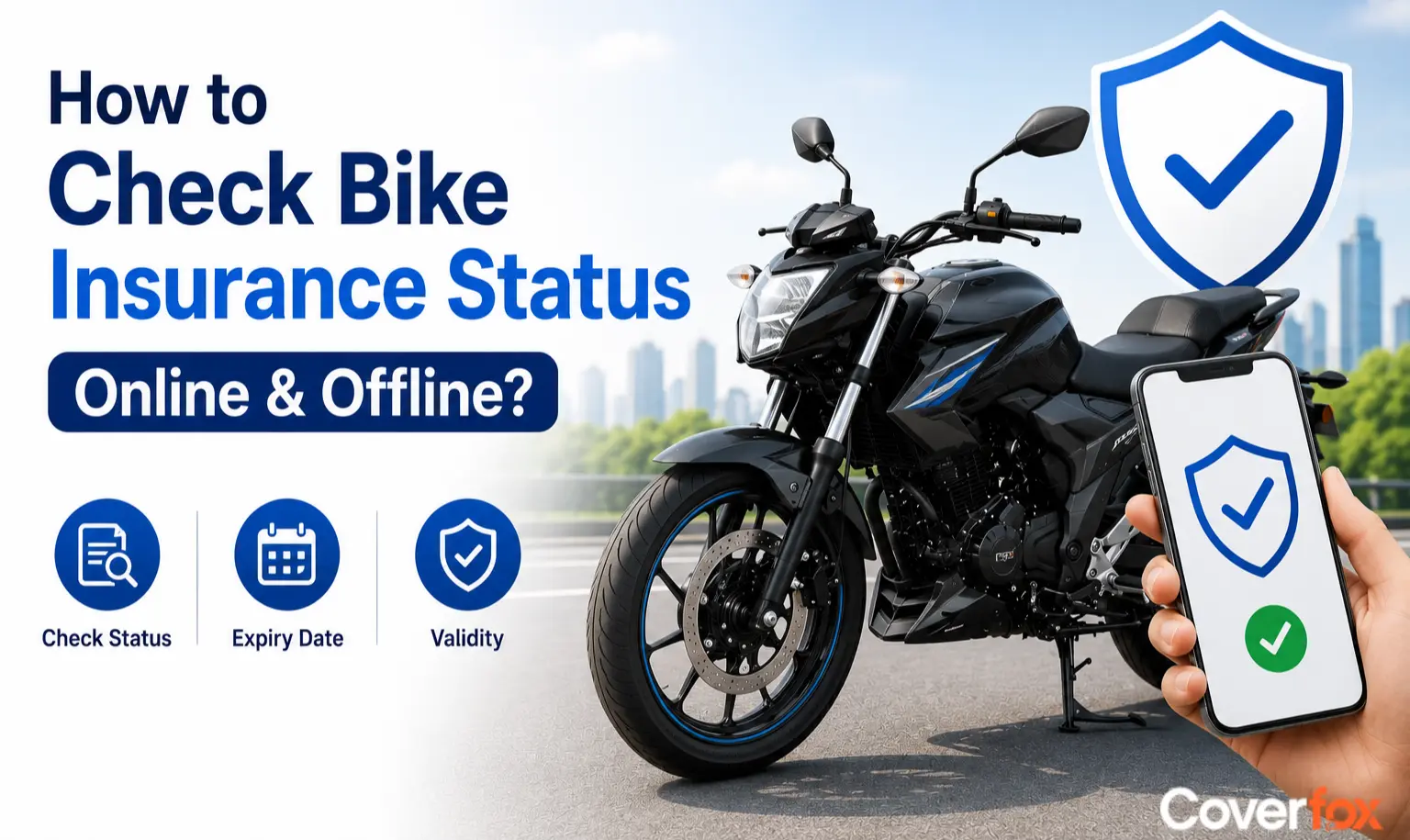
Confused if your bike insurance has expired, requires renewal or you want to check coverage? Checking your bike insurance status online helps you confirm whether your policy is active, expired, or due for renewal. Regularly verifying your bike insurance validity ensures uninterrupted financial protection against accidents, theft, damage, and third-party liabilities while also helping you stay legally compliant on Indian roads. This guide will help you check your bike insurance policy status online.
Why is it Important to Check Bike Insurance Status?
Checking your bike insurance status helps you confirm that your policy is active and know when the current cover ends. A quick bike insurance expiry check can help you plan renewal before the policy expires and avoid riding with invalid insurance.
- Confirm Active Coverage: Check whether your policy is active and whether the current policy period is still valid.
- Stay Legally Compliant: A valid third-party bike insurance policy is mandatory for riding on public roads in India.
- Avoid a Policy Lapse: Knowing the expiry date gives you time to renew before the existing cover ends.
- Plan Your Renewal: Checking the policy in advance gives you time to review the details and complete the renewal process.
- Maintain Financial Protection: An active policy provides the coverage stated in your policy terms, including third-party liability and any own-damage cover selected.
- Verify Policy Details: A status check can help identify incorrect vehicle details, policy dates, or insurer information.
Details Required to Check Bike Insurance Status Online
To check your bike insurance status online, keep these details ready, depending on the platform or insurer you use. These details can help you understand how to check the insurance validity of a bike when you do not have the physical policy document with you.
- Bike Registration Number for Insurance Check
The bike registration number is commonly used to retrieve insurance information through VAHAN, mParivahan, and insurer websites that support vehicle-number searches. It can help you check the policy status and available validity details linked to your bike.
- Policy Number for Bike Insurance Verification
The policy number helps you access your specific policy through the insurer's website or customer portal. You can use it to verify the policy period, insurer details, and other information recorded in the policy.
- Registered Mobile Number or Email ID
Some insurers use the registered mobile number or email address for OTP verification before displaying policy information, renewal details or allowing you to access a digital policy copy.
- Engine Number and Chassis Number
An insurer or verification service may ask for the engine number or chassis number as an additional vehicle-identification detail when retrieving or verifying policy information.
How to Check Bike Insurance Status on Insurer Website
Perhaps the easiest way to perform a bike insurance online check is by visiting your insurer’s official website and accessing your policy details using your vehicle or policy information.
Visit the official website of your bike insurance provider.
Navigate to the “Policy Status”, “Customer Portal”, or “Bike Insurance” section.
Enter the bike registration number, policy number, or registered mobile number.
Complete OTP verification if required.
View your bike insurance status, policy validity, coverage details, and renewal date.
Download the policy document or renewal receipt if needed.
Steps to Check Bike Insurance Status via VAHAN Portal
The VAHAN portal allows users to check basic bike insurance and vehicle registration details online using the registration number.
Visit the official VAHAN Portal.
Select the “Know Your Vehicle Details” option.
Enter the bike registration number.
Complete the captcha verification.
Log in using your mobile number if prompted.
Check available details such as vehicle registration information, insurance validity status, insurer name, and policy expiry date if available.
Check Bike Insurance Status Through mParivahan App
The mParivahan app can be used to access vehicle information linked to your bike's registration number, including available insurance validity details.
- Open mParivahan: Launch the official mParivahan app on your mobile phone.
- Enter Registration Number: Provide your bike's registration number to retrieve the vehicle record.
- Check Insurance Details: View the insurance validity information available against the vehicle.
- Verify the Expiry Date: Compare the displayed validity with the expiry date on your insurance policy document.
Note: The VAHAN portal may not display complete insurance policy details for every vehicle, as the information depends on insurer and RTO database updates. For complete coverage details, add-ons, policy documents, or claim information, users should check directly with their insurance provider.
How to Check Bike Insurance Status Through the RTO Website
Some Regional Transport Office (RTO) portals also allow users to verify bike insurance status online using the vehicle registration number. These portals help users check basic insurance validity and vehicle registration details digitally.
Visit the official website of the respective state RTO or transport department.
Navigate to the vehicle information or insurance verification section.
Enter the bike registration number and required verification details.
Submit the information to access available vehicle records.
Check insurance validity status, registration details, and other vehicle-related information online.
Note: Insurance details available on RTO portals may vary across states and may not always display complete policy information. For detailed coverage and policy documents, users should also verify directly with the insurance company.
How to Check Bike Insurance Status on Coverfox Website
Users can easily check their bike insurance status online through Cover AI, Coverfox’s AI-powered insurance assistant that helps verify policy information and answer insurance-related queries instantly.
Visit the official Coverfox Website.
Navigate to the Cover AI section.
In the chat window, enter your bike registration number.
Cover AI will help provide the status of the bike insurance policy linked to your vehicle.
Users can also upload their existing bike insurance policy document directly to the chat.
Cover AI can answer policy-related queries such as coverage details, policy validity, renewal information, and other insurance-related questions instantly.
How to Check Bike Insurance Status Using QR Code
Digital bike insurance policies now come with QR codes that allow users to instantly access policy details and insurance validity information without logging into websites or mobile apps.
Open the camera or QR scanner app on your smartphone.
Scan the QR code available on the digital bike insurance policy document.
The QR code redirects users to the insurer’s verification page or policy details section.
View details such as policy number, insurer name, policy validity, and expiry date instantly.
How to Check Bike Insurance Status Offline
Apart from online methods, policyholders can also verify their bike insurance status offline through customer support services or by visiting the insurer’s branch office directly.
Check Bike Insurance Status Through Customer Care
Call the insurer’s customer support helpline.
Provide details such as the bike registration number, policy number, or registered mobile number.
Complete identity verification if required.
The customer support executive will help confirm the policy status, validity, and renewal details.
Policyholders can contact the insurer’s customer care team to verify their bike insurance status offline.
Visit the Insurance Branch Office for Bike Insurance Verification
Visit the nearest branch office of the insurance company.
Carry documents such as the RC book, policy document, if available, and valid identification proof.
Request assistance for bike insurance policy verification.
The branch representative will help check policy validity, expiry date, and other insurance-related details.
Users can also visit the nearest insurance branch office to verify their bike insurance details in person.
Check Your Insurance Policy Document
Your bike insurance policy document contains the key details needed to verify your policy, including the policy number, policy start date, expiry date, insurer name and vehicle details. Check the policy schedule or relevant policy section to confirm whether your cover is still valid.
- Policy Number: Use it to identify your policy when contacting the insurer.
- Policy Validity: Check the policy start and expiry dates to confirm the period of cover.
- Insurer Details: Verify the name of the insurance company that issued the policy.
- Vehicle Details: Match the registration number and other vehicle details with your bike.
Information Available During Bike Insurance Online Check
While performing a bike insurance check online, policyholders can access various policy-related details and coverage information.
Policy number
Bike insurance validity status
Policy expiry date
Name of the insurance company
Type of bike insurance policy
Insured Declared Value (IDV)
Third-party and own damage coverage details
Add-on covers included in the policy
No Claim Bonus (NCB) details
Claim status and claim history information
Policy renewal information
Vehicle registration details
How to Check the Insurance Status of a Second-Hand Bike
Before buying a second-hand bike, it is important to verify the existing insurance policy to avoid future legal, financial, or claim-related complications.
Check whether the bike insurance policy is active or expired.
Verify the insurer name and policy expiry date.
Confirm that the registration number on the policy matches the bike’s RC.
Ask the seller for a copy of the current insurance policy document.
Check whether there is any break in insurance coverage or policy lapse history.
Verify if any pending claims or major accident-related claims exist on the bike.
Ensure the insurance policy can be transferred to the new owner after purchase.
Common Problems While Checking Bike Insurance Status Online
Policy Not Showing on VAHAN Portal
Recently renewed or newly issued bike insurance policies may take around 48–72 hours to reflect on the VAHAN database.
Incorrect Registration Number Entered
Entering the wrong registration number, spaces, or special characters can lead to invalid search results or failed policy checks.
Forgotten Login Credentials
Users may be unable to access insurer portals due to forgotten passwords or login details, though OTP login and password reset options usually help recover access quickly.
Website or App Technical Errors
Temporary server downtime, slow internet connectivity, browser cache issues, or app glitches may interrupt the bike insurance status check process.
Policy Linked to Old Mobile Number
Some insurer portals require OTP verification through the registered mobile number, which can create issues if the number is outdated or inactive.
Incomplete Insurance Database Updates
Certain portals may not immediately display the latest policy updates, add-ons, renewals, or transferred ownership details.
Mismatch in Vehicle Details
Differences between RC details and insurance records may prevent users from accessing accurate bike insurance information online.
What to Do If Your Bike Insurance Has Expired?
If you find that your bike insurance has expired, do not ride the bike on public roads until valid insurance is in place. You should arrange renewal and check the new policy details before using the bike again.
- Renew the Policy: Renew your bike insurance through the insurer or an authorised insurance platform before riding the bike again.
- Avoid Riding During the Lapse: An expired policy does not provide valid third-party insurance for use on public roads. Riding without valid insurance can attract legal penalties.
- Complete Vehicle Inspection if Required: After a policy lapse, the insurer may require an inspection as part of its renewal process. Follow the insurer's instructions before the new policy is issued.
- Check the New Policy Dates: Once renewed, verify the policy start date, expiry date, registration number and other vehicle details.
- Check NCB Eligibility: If your policy includes an own-damage component, check whether your accumulated No Claim Bonus is still available after the lapse. NCB applies to the own-damage premium and is subject to the applicable policy and renewal conditions.
- Keep the Renewed Policy Copy: Save the updated policy document so you can access the policy number and validity dates when needed.
Key Takeaways
Bike insurance status can be easily checked online through insurer websites, the VAHAN portal, RTO websites, mobile apps, customer portals, and QR code-based verification systems. Regular bike insurance checks help riders avoid policy lapses, renew insurance on time, maintain legal compliance, and ensure uninterrupted financial protection against accidents, theft, and damage.
Read More About:
Disclaimer: *Premiums starting from ₹457 are indicative for third-party bike insurance for select models and may vary based on vehicle specifications, location, and insurer.
FAQs on Bike Insurance Status Check
How to check bike insurance status by vehicle number online?
You can check bike insurance status online by entering the bike registration number on insurer websites, the VAHAN portal, or insurance apps.
How to check bike insurance expiry date?
You can check the expiry date through your insurer's website or app, VAHAN or mParivahan where the insurance record is available. You can also find the exact policy expiry date in your insurance policy document.
How to check bike insurance validity on the VAHAN portal?
Visit the VAHAN Portal, enter the bike registration number, complete verification, and check the available insurance validity information linked to the vehicle.
Can I check bike insurance status without a policy number?
Yes. If you do not have the policy number, you can check my bike insurance validity using the bike registration number on supported insurer or vehicle-information services. You can also contact your insurer using the registered mobile number or other vehicle details.
How to find bike insurance details online?
Bike insurance details can be accessed through insurer websites, mobile apps, the VAHAN portal, Cover AI, and customer login portals.
Can I download a bike insurance copy online?
Yes, most insurers allow users to download a digital bike insurance copy online through their website, mobile app, or customer dashboard.
How can I get a duplicate bike insurance policy copy?
Users can request a duplicate policy copy through the insurer’s customer portal, customer care service, branch office, or registered email support.
What should I do if the bike insurance details are not showing online?
Users should verify the entered registration number, wait for recent policy updates to reflect, retry later in case of technical issues, or contact the insurer directly for assistance.
Is a soft copy of bike insurance valid during traffic checks?
Yes, digital or soft copies of bike insurance policies stored on smartphones or apps are legally valid during traffic inspections in India.
Can I check bike insurance using the chassis number?
Yes, some insurers and verification portals may allow bike insurance checks using the chassis number or engine number for identity verification.
How often should I check my bike insurance status online?
It is advisable to check bike insurance status regularly, especially before renewal dates, long trips, ownership transfers, or policy-related transactions.