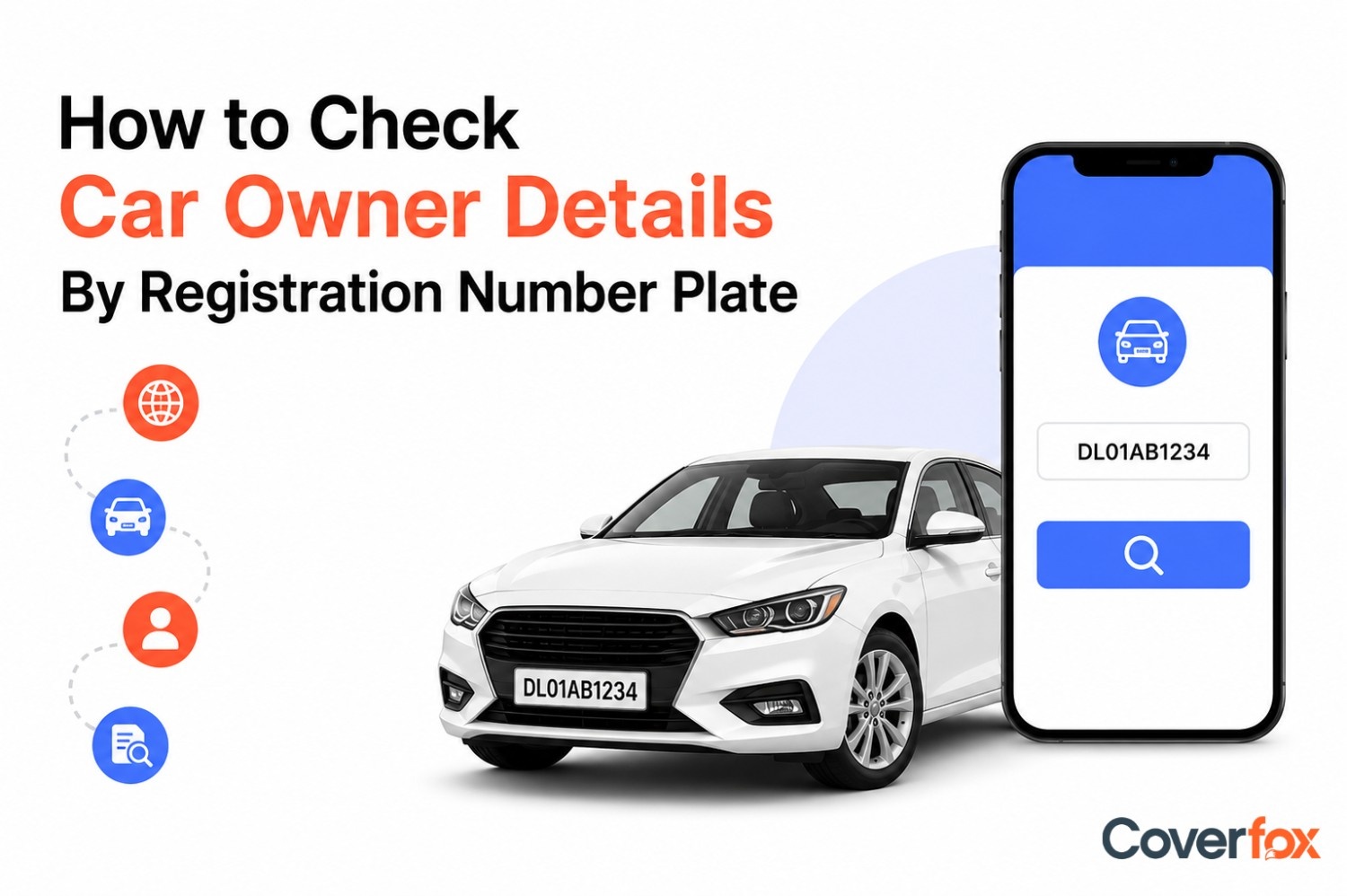
Car owner details can be checked online using a vehicle registration number through official platforms like Parivahan Sewa and the mParivahan App. Users can verify details such as vehicle registration date, RTO information, fuel type, RC validity, insurance status, PUC validity, and vehicle make and model using the registration number
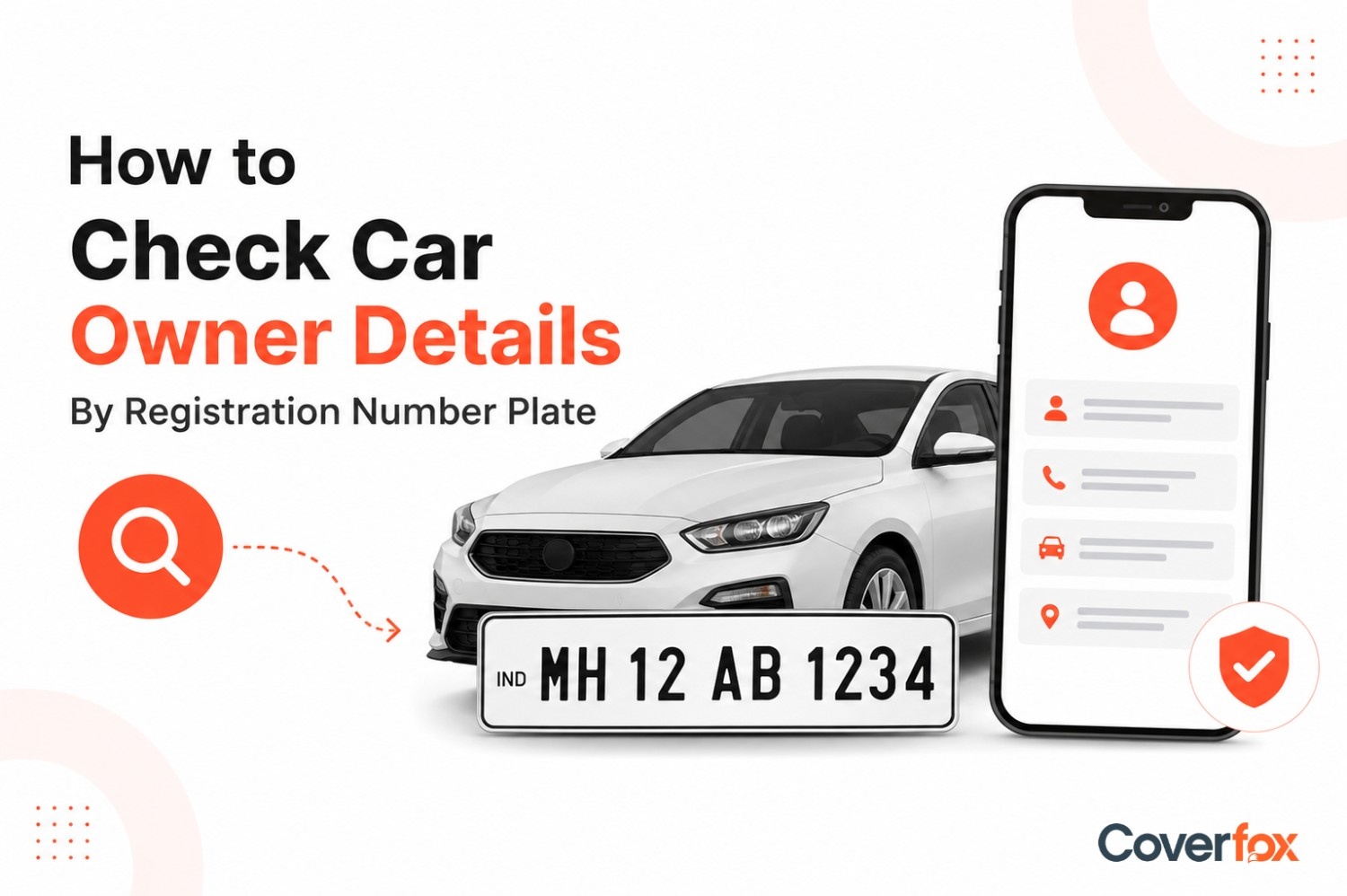
The registration plate on your car speaks more than just alphabets and numbers. From just your car’s registration number, you can find the owner details of the car, alongside information like state of registration, RTO, VIP number plate, type of car, etc. This guide will help you check car owner details by registration number plate.
Can You Check Car Owner Details Online Using a Number Plate?
Yes, car owner details can be checked online using a vehicle’s number plate through official government platforms like Parivahan Sewa or the mParivahan App. These platforms allow users to access basic vehicle information such as registration details, fuel type, vehicle class, and registration validity. However, personal details like the owner’s full address or contact information are not publicly visible due to privacy and data protection regulations.
Reason for Checking Car Owner Details
There are several important reasons why people may need to check car owner details using a vehicle number plate, especially for verification, safety, and legal purposes.
Used Car Ownership Verification:
Accident or Legal Dispute Support:
Fraud and Scam Prevention:
Insurance and RC Status Check:
Identification of Suspicious Vehicles:
Checking owner details helps buyers confirm whether the seller is the genuine owner of the vehicle before making a purchase.
Vehicle registration details can help identify the involved vehicle during accidents, hit-and-run cases, or legal disputes.
Verifying vehicle details helps ensure the registration number matches the car model and prevents fake ownership claims.
Users can check whether the vehicle has valid insurance coverage and an active Registration Certificate (RC).
Checking registration information can help identify abandoned, stolen, or suspicious vehicles parked in public areas.
How to Check Car Owner Details by Vehicle Number Plate Online?
Car owner and vehicle registration details can be checked online through multiple official and government-supported platforms in India. These methods help users verify vehicle information securely for ownership verification, insurance checks, legal purposes, and used car purchases.
Government Portals: Official portals like Parivahan Sewa allow users to access vehicle registration details online by entering the vehicle number.
Mobile Applications: Government-supported apps provide quick access to vehicle details directly from smartphones anytime and anywhere.
SMS Services: In certain regions, users can send an SMS in a specified format to receive basic vehicle registration information.
RTO Verification: Regional Transport Offices (RTOs) can also help verify vehicle ownership and registration details through official records.

Check Car Owner Details Using Parivahan Sewa
Parivahan Sewa is the official government portal that allows users to check vehicle registration and owner-related details online securely.
Steps to Check Vehicle Details on Parivahan Sewa
Visit the official Parivahan Sewa website.
Click on the “Informational Services” tab available on the homepage.
Select “Know Your Vehicle Details” from the dropdown menu.
Log in using your registered mobile number. New users must create an account first.
Enter the vehicle registration number in the required format (Example: MH01AB1234).
Complete the CAPTCHA verification displayed on the screen.
Click on “Vahan Search” or “Search Vehicle” to continue.
The portal will display available vehicle details on the screen.
Check Car Owner Details Using Mobile Apps
Government-supported mobile applications provide instant access to vehicle registration details directly from smartphones.
Steps to Check Vehicle Details Using mParivahan App
Download the mParivahan App from Google Play Store or Apple App Store.
Open the application and complete the login or sign-up process if required.
Tap on the “RC Dashboard” or vehicle search option available on the home screen.
Enter the vehicle registration number correctly.
Click on the search icon to retrieve the details.
The app will display the available vehicle information instantly.
Benefits of Mobile Apps
Quick access to vehicle details anytime
Easy verification during used car purchases
Helpful during accidents or emergencies
Supports digital storage of RC and driving licence documents
Check Car Owner Details Using SMS
SMS-based vehicle verification services allow users to receive basic vehicle details without internet access.
SMS Format for Vehicle Verification
Open the SMS application on your mobile phone.
Type: VAHAN (Vehicle Registration Number)
Example: VAHAN MH01AB1234
Send the SMS to 7738299899.
Important Points About SMS Verification
SMS charges may apply depending on the telecom operator.
The service may not be available in all states or regions.
SMS verification provides limited details compared to online portals and apps.
Internet-based services generally offer more comprehensive and updated information.
Information You Can Get from a Registration Number
A vehicle registration number can help users access important registration and vehicle-related information through official government platforms.
1. Vehicle Registration Details:
Users can check the registration number, registration date, and registering RTO details.
2. Vehicle Make and Model:
Information such as the manufacturer name, model, and vehicle category may be available.
3. Fuel Type:
Users can verify whether the vehicle runs on petrol, diesel, CNG, electric, or hybrid fuel.
4. RC Validity Status:
Registration Certificate (RC) validity and expiry details can be checked online.
5. Insurance Status:
Users may be able to verify whether the vehicle currently has active motor insurance coverage.
6. PUC Validity:
Pollution Under Control (PUC) certificate status and validity details may also be available.
7. Fitness Certificate Status:
For commercial vehicles, fitness certificate validity can be checked.
8. Vehicle Class Information:
Users can identify whether the vehicle is private, commercial, transport, or non-transport.
Note: Due to privacy and data protection regulations, sensitive personal information such as the owner’s full address, phone number, or Aadhaar details is not publicly accessible through official vehicle verification platforms
Bottom Line
Checking car owner details online through official platforms can help users verify vehicle information, avoid fraud, and ensure proper documentation before buying or using a vehicle. It is also useful for confirming important details such as RC validity and active car insurance status. Using trusted government portals and apps ensures secure access to vehicle information while maintaining user privacy and data protection standards.
More Related Articles:
Depreciation of Cars in India: Rates, Calculation, and Effect on Insurance
No Claim Bonus vs NCB Protection in Car Insurance
How to Renew Car Registration After 15 Years in India?
Frequently Asked Questions
Is it legal to check vehicle details using a number plate in India?
Yes, it is legal to check basic vehicle details using a registration number through official government platforms such as Parivahan Sewa and the mParivahan App. However, sensitive personal information of the owner is protected under privacy regulations.
Can I check car owner details for free?
Yes, basic vehicle registration details can usually be checked free of cost through official government portals and mobile applications.
Which website is used to verify vehicle owner details in India?
The official website commonly used for vehicle verification in India is Parivahan Sewa, managed by the Ministry of Road Transport and Highways.
Can I find the car insurance policy number via the registration number plate?
In some cases, users may be able to check insurance validity and insurer details through vehicle registration searches, but the complete car insurance policy number may not always be publicly visible due to privacy restrictions.
What should I do if the vehicle details do not match?
If the displayed vehicle details do not match the actual vehicle, avoid proceeding with the transaction and report the issue to the concerned Regional Transport Office (RTO) or relevant authorities for verification.
Can I know the insurance company name by vehicle registration number?
Yes, official vehicle verification platforms may display the name of the insurance company along with the insurance validity status linked to the registration number.
Can I check second-hand car details before buying?
Yes, checking vehicle details before purchasing a second-hand car is highly recommended to verify registration details, RC validity, insurance status, and other important information.
Can I search vehicle details using only the owner’s name?
No, official government platforms generally require the vehicle registration number to access vehicle details. Searching only by the owner’s name is not publicly allowed due to privacy regulations.
What details are present in the vehicle's RC?
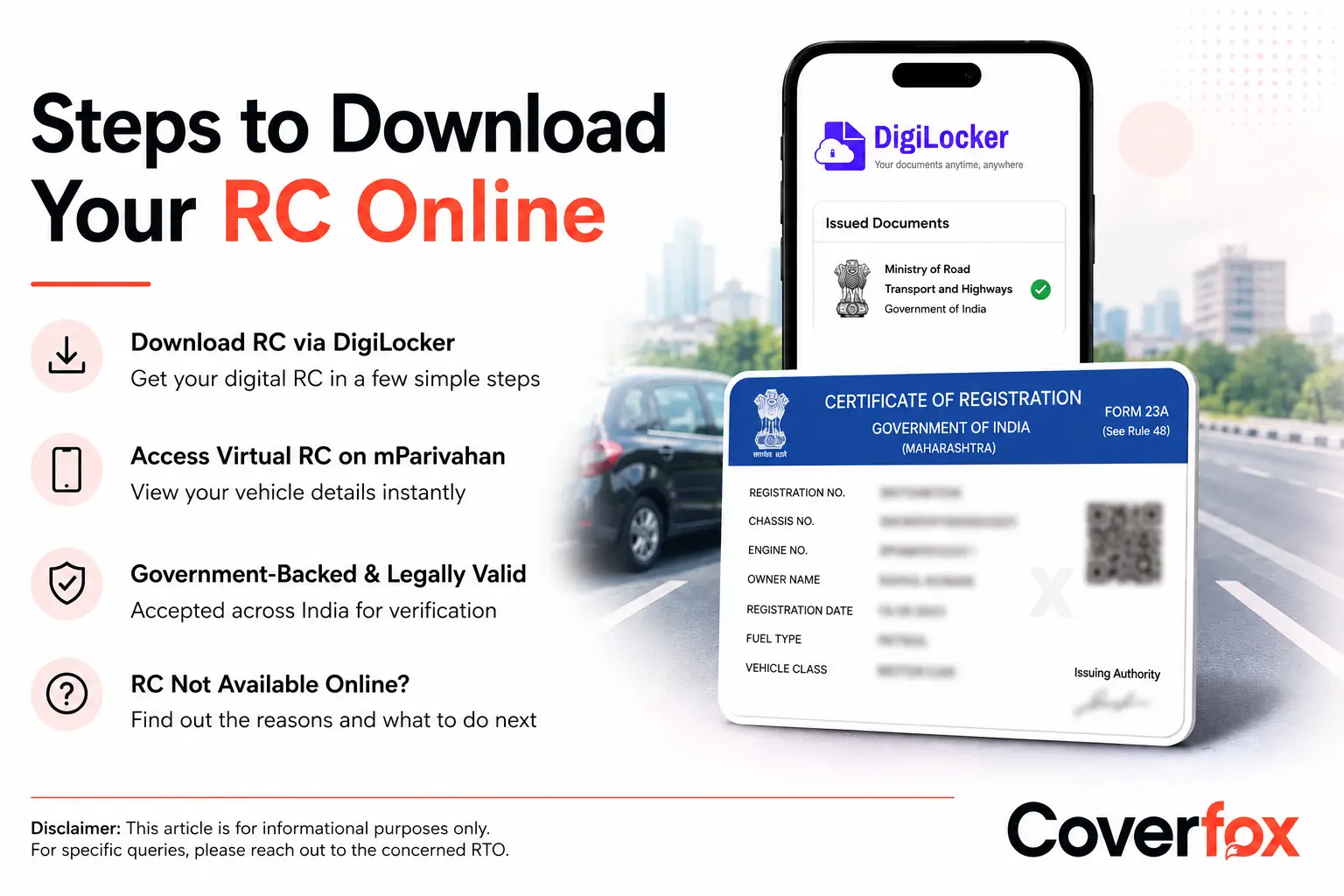
A Registration Certificate (RC) generally contains details such as the vehicle registration number, owner name, vehicle class, fuel type, chassis number, engine number, registration date, and RC validity information.